
Get Discovered
Appear in search and nearby store results.
Find the best prices from online & local stores — all in one place.

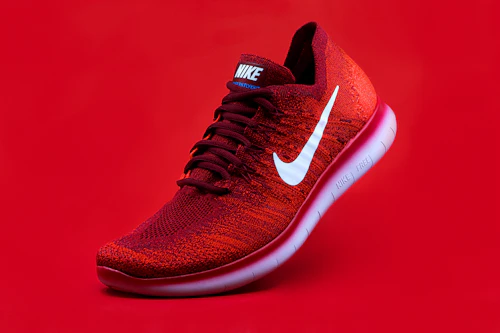






Get discovered by more customers. List your products, show your best prices, and bring local shoppers to your store.
 More CustomersReach online & local shoppers nearby.
 Increase SalesShow your best prices and deals.
 Build TrustVerified business badge on your store.
 Easy to UseSimple and quick onboarding.
We connect real customers with real businesses.
Appear in search and nearby store results.

Attract more customers with special offers.
Showcase your store profile and services.

Be visible alongside online platforms.
Join and start growing your business in just a few simple steps.
Join thousands of businesses already on OllCorrect.
Find answers to common questions about partnering with OllCorrect.

Choose how you want to continue

Register your business and start partnering with OllCorrect.

Already registered? Log in to access your business account.
Let's get started with your basic information.
Tell us about your business.
Add your store location.
Upload required documents to verify your business.
Please check all details before submitting.
Set the password you will use to log in to your partner dashboard.
Thank you for registering with OllCorrect.
We are reviewing your information and will get back to you soon.
We'll notify you via email and SMS once your account is verified.
Your business account is verified.
You can now start listing your products and reach thousands of customers on OllCorrect.
Here's what's happening with your business.
No inquiries yet.
Add, edit and delete your catalogue with multiple variants.
Loading…
Create and manage discounts your shoppers see.
Loading…
Keep your business details up to date.
Real numbers from your catalogue and customers.
Loading…
—
—
—
Inquiries and compare requests from shoppers.
Loading…
Notifications, store status and currency.
Answers to common partner questions.
In the Products tab, click Add Product and scroll to Variants. Add rows like Size / XL, Color / Red — each with its own price, MRP and stock.
Your application status must be approved. Check the badge next to your store name in the sidebar.
When a shopper compares your product, it lands in Customers as a new inquiry. Mark it Contacted or Resolved.
Use Settings to manage preferences. For password changes contact support so we can verify your identity.